SMTP Manual Testing: Telnet vs. Netcat Line Endings
As a part of my commitment to ‘getting cracked’ in the face of AI, I’m brushing up on the fundamentals of networking with Computer Networking: A Top-Down Approach: Kurose, James, Ross, Keith: 9780133594140: Amazon.com: Books. I’m currently going through the chapter on Application Layer protocols. One of the protocols covered in the chapter is SMTP. Authors propose readers try and communicate with a SMTP server directly from the terminal.
Setting up an SMTP Server
First thing we’ll need is an SMTP server to send requests to. After some research I decided to go with mailpit. Lets run the container:
docker run -d \
--name=mailpit \
--restart unless-stopped \
-p 8025:8025 \
-p 1025:1025 \
axllent/mailpit
mailpit exposes the SMTP server at port 1025. Lets test it:
❯ nc localhost 1025
# 220 456747c77a22 Mailpit ESMTP Service ready
HELO, World
Seems to be working. Lets try issuing some commands:
HELO user
250 456747c77a22 greets user
MAIL FROM: <user@example.com>
250 2.1.0 Ok
RCPT TO: <you@example.com>
250 2.1.5 Ok
DATA
354 Start mail input; end with <CR><LF>.<CR><LF>
Subject: How are you?

How is it going?
.
# nothing happens...
Everything works, except I can’t end the message. The end of the message is indicated by a line containing a single period i.e. the following sequence of characters \r\n.\r\n. What should follow is:
250 2.0.0 Ok: queued as ...Piping the message sequence as a string works:
echo -ne "HELO user\r\nMAIL FROM:<user@example.com>\r\nRCPT TO:<you@example.com>\r\nDATA\r\nSubject: How are you?\r\n\r\nHow is it going?\r\n.\r\nQUIT\r\n" | nc -v localhost 1025I’m cheating a bit here by passing the
-neflags to echo. And if you know what they do, this should give you an idea about where this is all going.
-nmeans no newline, otherwiseechoappends a newline character to the string-emeans please interpret backslash escapes, otherwise characters like\nare treated as literal ’\’ and ‘n’ characters instead of Line Feed
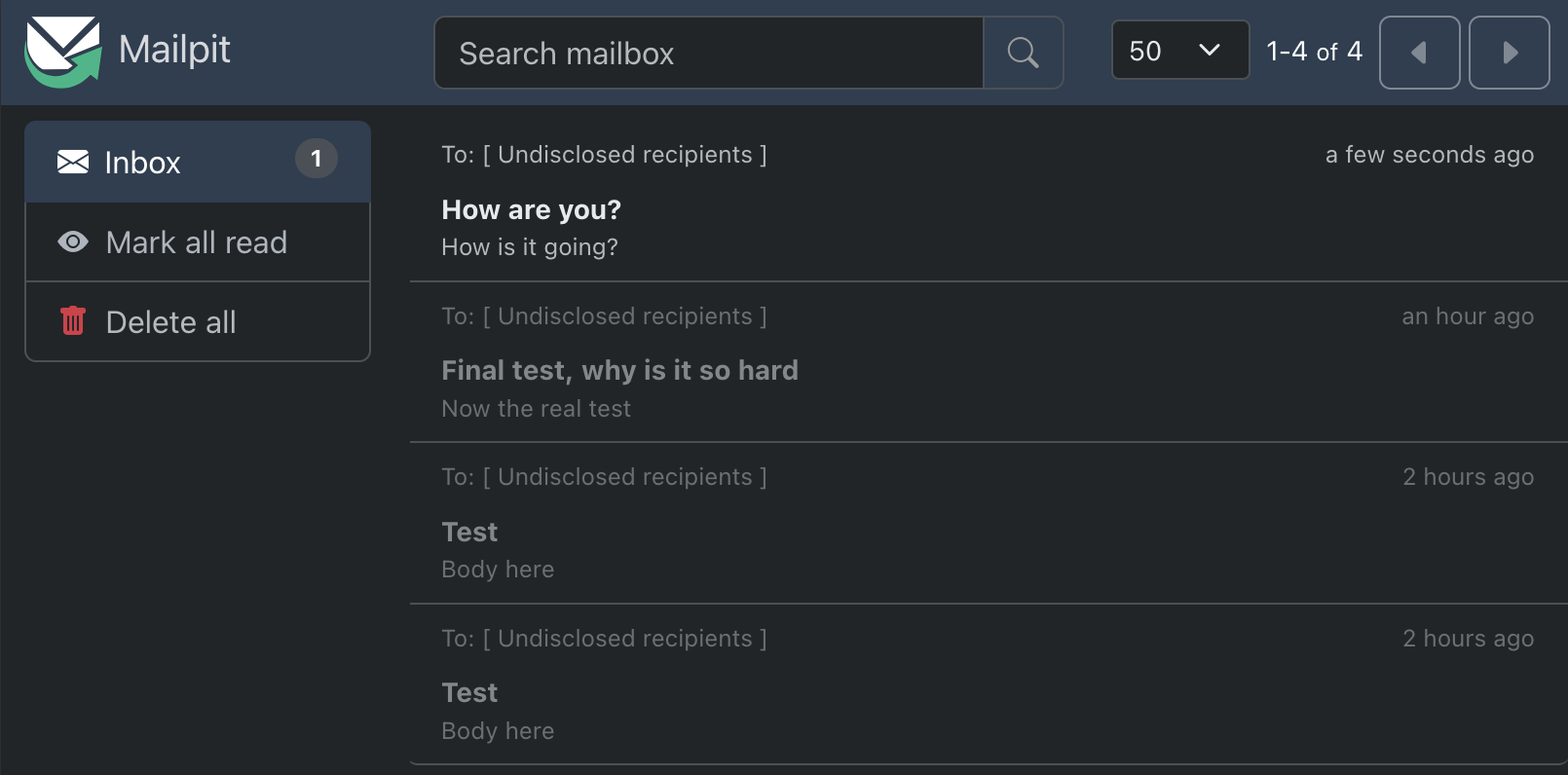
We can see the email in the web interface at http://localhost:8025/:
telnet vs nc (netcat) for communicating with SMTP
The example given in the textbook uses telnet. telnet hasn’t been available on MacOS since version 10.13 (High Sierra), so I opted for the available alternative nc. Is using nc instead of telnet really the culprit?
Turns out it is. In telnet pressing ‘Enter’ or ‘Return’ key automatically sends the \r\n sequence whereas in nc it sends \n. So with nc as far as the server is concerned we’re simply sending new line characters so it sees it as the continuation of the body of the message.
What is happening here is this. telnet was specifically designed to handle NVT (Network Virtual Terminal) protocol. This protocol forces any line end characters to be compliant with the Internet standard by translating them to \r\n. So if you hit Enter in your terminal and it sends \n, telnet will translate that to \r\n.
nc, on the other hand, will simply send bytes exactly as they are. Because on Unix and macOS \n is used as the new line character, nc is simply transmitting a literal \n.
Supposedly -c flag should solve the problem:
# from man nc
-c      Send CRLF as line-ending
I wasn’t able to make it work on my machine. Passing -c to nc doesn’t seem to make any difference. This might have something to do with how zsh handles ends of lines.
The solution
So here are some ways to solve this problem:
- send formatted string with
printforecho -ne - tell the terminal to not interpret the next character we type with
Ctrl + Vand then send\rmanually withCtrl + M
Here is what it looks like:
220 456747c77a22 Mailpit ESMTP Service ready
HELO user
250 456747c77a22 greets user
MAIL FROM: <user@example.com>
250 2.1.0 Ok
RCPT TO: <you@example.com>
250 2.1.5 Ok
DATA
354 Start mail input; end with <CR><LF>.<CR><LF>
Subject: How are you?

How is it going?^M
.^M
250 2.0.0 Ok: queued as 8ooop4VMjtjRiHgLMhEoYh
QUIT
221 2.0.0 456747c77a22 Mailpit ESMTP Service closing transmission channel